Finally Sync Your Reminders with Calendar
Keep using the Apple apps you already know and love. See your to-dos and events together in one place, making it easier than ever to plan your day and stay organized.
Everything You Need, Nothing You Don't
Works With Your Apps
No need to learn new software or switch your workflow. This app seamlessly connects Apple Reminders and Calendar, so you can keep using the tools you're already comfortable with while getting better results.
Your Privacy Protected
All syncing happens directly on your device with no cloud servers involved. Your tasks and reminders never leave your iPhone, giving you complete peace of mind that your personal information stays private.
Sync Your Way
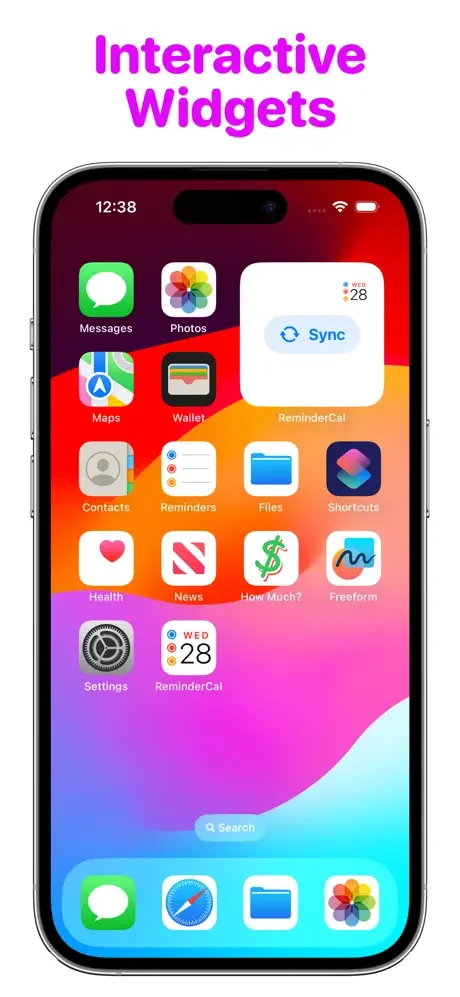
Take control with flexible syncing options that fit your style. Use Siri voice commands, tap interactive home screen widgets, or set up automatic syncing through Shortcuts – the choice is yours.
Quick Access Widget
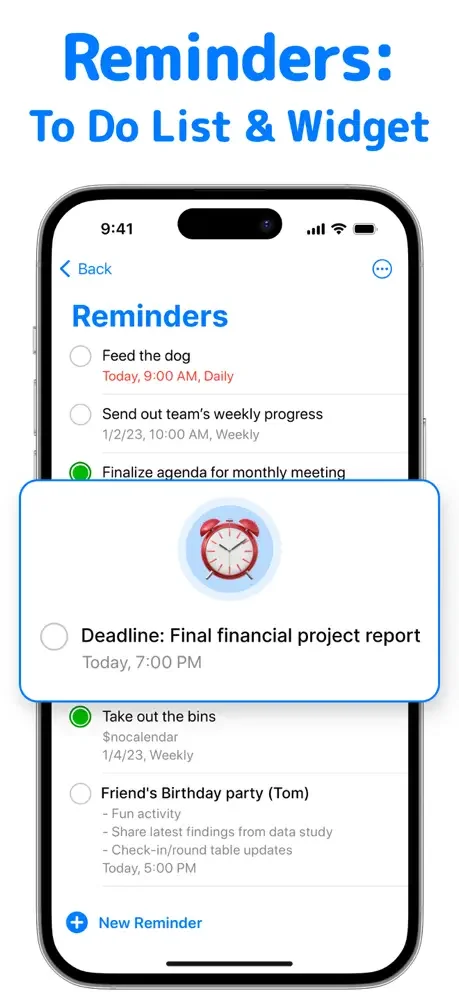
View and manage your to-do list right from your home screen without opening any apps. Stay on top of your tasks and reminders with a glance, saving time throughout your busy day.
About
Keep using the Reminders and Calendar apps that you know and love - now with seamless integration
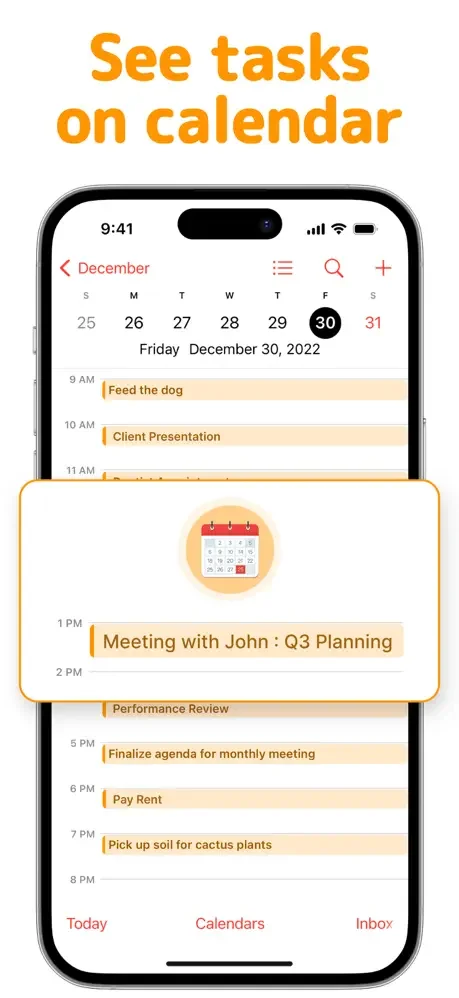
Effortlessly view your reminders directly within the Calendar app, enhancing your productivity and organisation.
Stay organized effortlessly with the to do list widget, your go-to tool for quick task tracking and reminders—access your to do list widget right from your home screen and stay on top of everything. Plan every hour with precision using our structured day planner, helping you break down goals into manageable steps with a clear, visual structured day planner layout. Build the perfect schedule for productivity and balance—edit your schedule in real time and sync tasks from your structured day planner directly into your daily schedule.
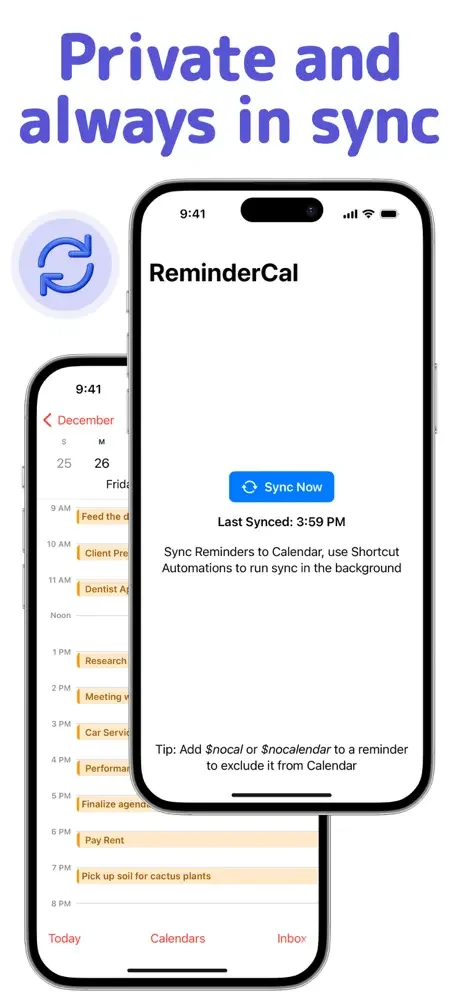
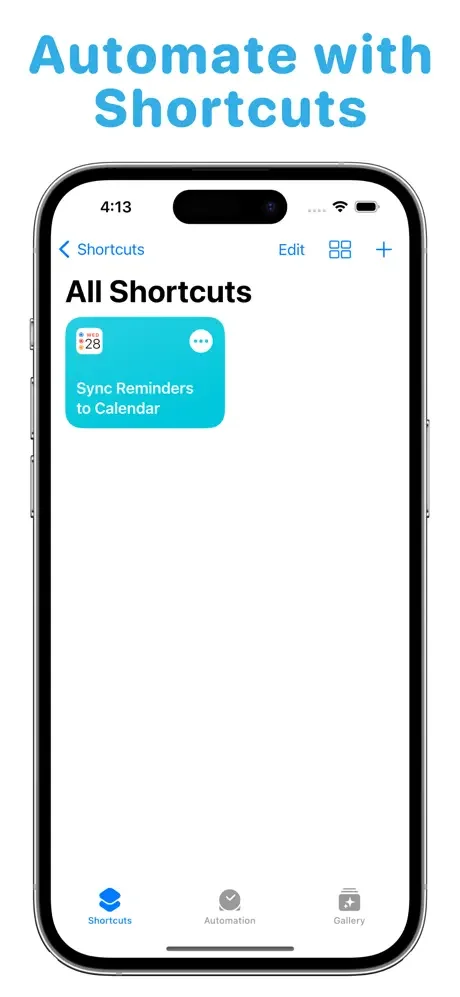
Sync when you want inside the app, or schedule your own syncing patterns in Shortcuts. From every time you exit Reminders, to when you charge your device, you can be in charge of the syncing schedule to suit your needs with support for Shortcut Automations.
Prefer to control things manually? You can do so even more effortlessly using Siri or interactive Home Screen widgets.
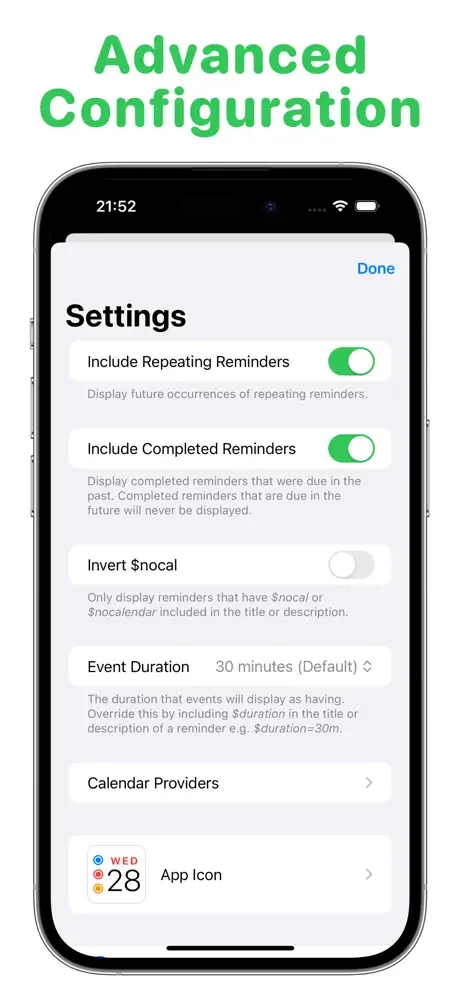
Want to hide some reminders from Calendar? Add $nocal or $nocalendar to the title or notes of your reminder so that you stay in control of what appears in Calendar.
All syncing is done offline, on your device. No cloud servers are used and no data ever leaves your device, so your privacy is always protected. Verify for yourself by running the app whilst in Airplane Mode. Want to take advantage of this app on other devices? If you use an iCloud, calDAV or Exchange calendar, your reminders will already be synced to your calendar on all your other devices. If you prefer to store your calendars locally, this app is available on all your other devices: iPhone, iPad, Mac and Apple Vision Pro.
Terms of use: https://zipoapps.com/remindertocalios/terms/
Privacy policy: https://zipoapps.com/remindertocalios/privacy/
See How Simple It Really Is
Join Thousands of Happy Users
ReminderCal is perfect. I wanted a simple way to have Apple reminders synch with my Apple calendar and appear on the day due. This does just that. I didn't want any thing complicated, different programs, etc. Just something easy and simple.
This is a great app. It drives me crazy that iCal and iReminders don’t sync. This handy, simple app connects the two and on your device! No cloud needed. I’m so happy I could cry! Thank you!
I've been looking for a way to accomplish this forever. I've built shortcuts but couldnt quite get it right. Best $ i've spent on software in awhile.
Great app, no issues, very simple to get working, does exactly what it says.
Does what reminders and calendar should do awsome.
With the new IOS 18 feature Apple can now move the reminders to the calendar. Before the update, I was using this app and loved it.